Mida del text
Altura de línia
Espaiat del text
This comprehensive course is designed to teach you everything you need to know about creating professional vector graphics from scratch. Whether you're completely new to digital design or looking to expand your creative toolkit, you'll find this course accessible, practical, and engaging.
We start with the fundamentals of vector graphics—understanding paths, shapes, curves, and layers—before moving on to more advanced techniques like working with the Pen tool, mastering Bézier curves, applying gradients, using typography, and building complex illustrations.
Throughout the course, you'll complete a series of guided projects that help reinforce your skills and build a strong portfolio. These include creating custom icons, designing logos, developing an infographic layout, and illustrating vector art suitable for web, mobile, or print.
No prior experience is needed—just your creativity and willingness to learn. The course is perfect for aspiring graphic designers, illustrators, UI/UX designers, marketers, and anyone who wants to create high-quality, scalable artwork.
By the end of the course, you’ll have a solid understanding of vector design principles and the confidence to create your own projects from start to finish using professional tools like Adobe Illustrator, Inkscape, or similar software.
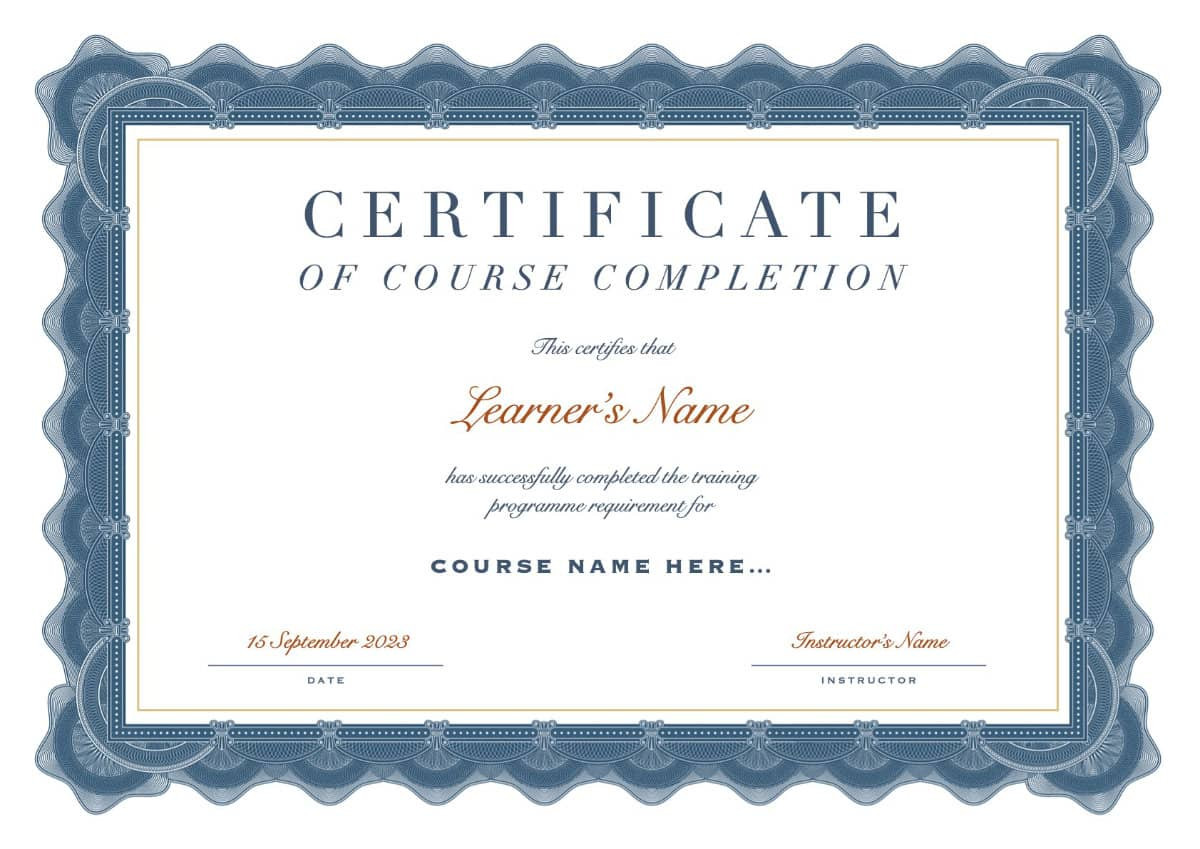
Upon successful completion of this course, you will be awarded the course completion certificate.
Project: Design a custom logo
In this project, you'll apply the skills you've learned to create a unique, professional-quality logo from scratch. You'll go through the full design process—from concept sketching to final vector export.
Objectives:
When you're done, you'll have a logo that you can add to your design portfolio or even use for a personal brand or mock business.

This comprehensive course is designed to teach you everything you need to know about creating professional vector graphics from scratch. Whether you're completely new to digital design or looking to expand your creative toolkit, you'll find this course accessible, practical, and engaging.
We start with the fundamentals of vector graphics—understanding paths, shapes, curves, and layers—before moving on to more advanced techniques like working with the Pen tool, mastering Bézier curves, applying gradients, using typography, and building complex illustrations.
Throughout the course, you'll complete a series of guided projects that help reinforce your skills and build a strong portfolio. These include creating custom icons, designing logos, developing an infographic layout, and illustrating vector art suitable for web, mobile, or print.
No prior experience is needed—just your creativity and willingness to learn. The course is perfect for aspiring graphic designers, illustrators, UI/UX designers, marketers, and anyone who wants to create high-quality, scalable artwork.
By the end of the course, you’ll have a solid understanding of vector design principles and the confidence to create your own projects from start to finish using professional tools like Adobe Illustrator, Inkscape, or similar software.



